
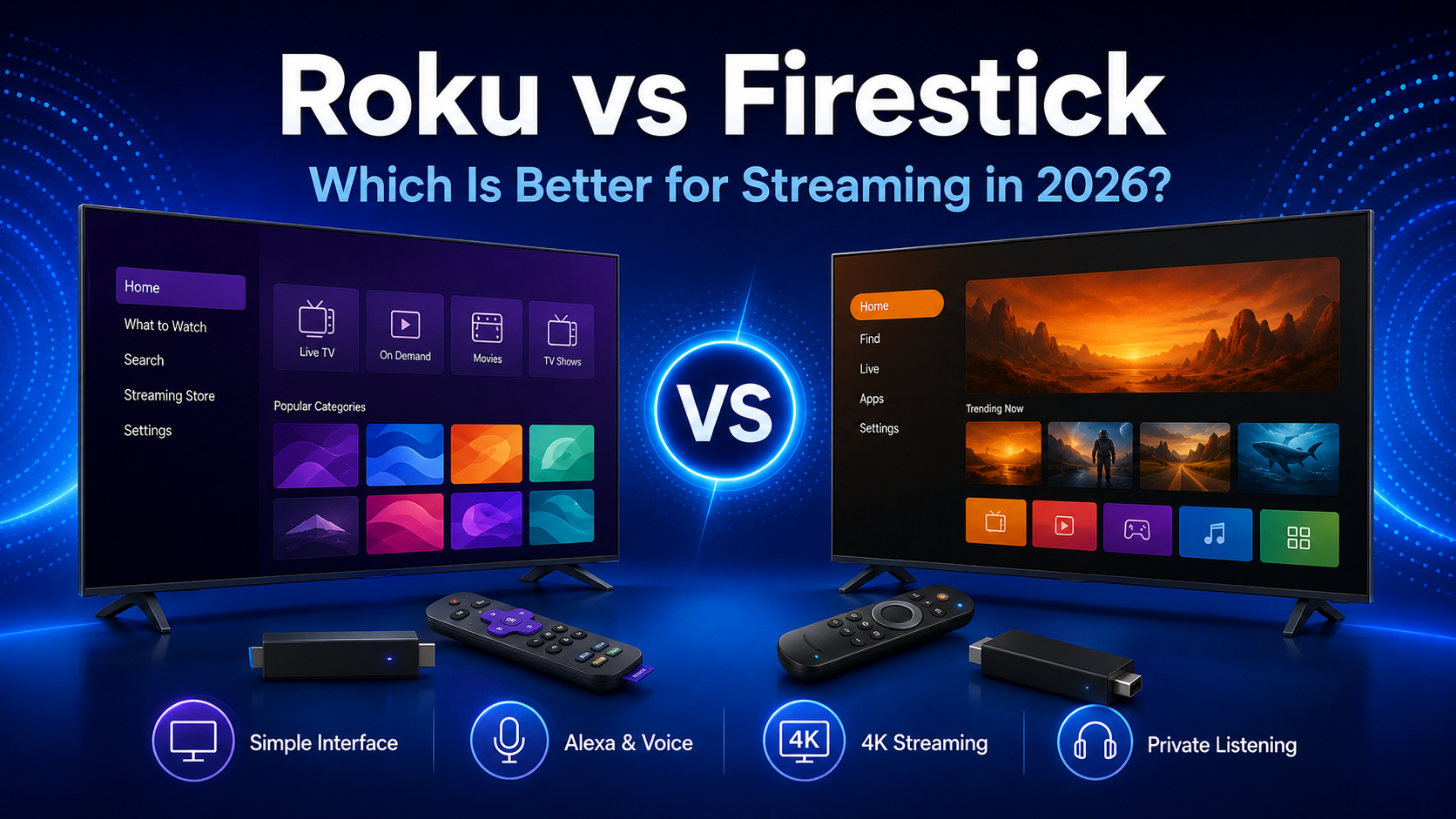
Choosing between Roku vs Firestick in 2026 means comparing two popular ways to add streaming apps and smart features to a television. Roku generally centers its experience on a straightforward app grid, while Amazon Fire TV emphasizes content recommendations, Alexa, and integration with Amazon services. They also differ in advertising, remotes, private listening, smart-home controls, and device selection.
“Firestick” is an informal name many shoppers use for Amazon’s Fire TV Stick devices. This guide uses that familiar term where it fits search intent, but refers to the products by their official Fire TV Stick name throughout most of the comparison.
Roku vs Firestick: Quick Comparison
| Feature | Roku | Amazon Fire TV Stick |
|---|---|---|
| Platform | Roku OS | Fire TV platform |
| Interface | App-focused grid | Content- and ecosystem-focused home screen |
| Content recommendations | Present, but apps remain central | Prominent recommendations across the interface |
| Application selection | Broad Roku Streaming Store catalog | Broad Amazon Appstore catalog |
| Voice control | Roku Voice on compatible remotes and app | Alexa through compatible voice remotes |
| Smart-home ecosystem | Roku Smart Home and selected integrations | Deep Alexa and compatible smart-home integration |
| Private listening | Mobile Headphone Mode; selected remotes have a jack | Bluetooth audio on supported devices; app features vary |
| Mirroring and casting | Mirroring and AirPlay on supported models | Mirroring or casting support varies by device and app |
| Entry-level options | HD Streaming Stick | Fire TV Stick HD |
| Premium options | Streaming Stick 4K and Roku Ultra | Premium 4K sticks and Fire TV Cube |
| Best suited for | Simple app organization and easy navigation | Amazon, Alexa, and content-forward discovery |
This is a platform-level summary. Exact capabilities depend on the model, generation, software version, country, television, app, and connected audio equipment.
What Is Roku?
Roku is a streaming platform built around Roku OS. Roku sells compact HDMI streaming players and more advanced boxes, while Roku-branded and partner televisions include the operating system without requiring a separate player.
The current U.S. player family listed on Roku’s official streaming player comparison includes the Roku Streaming Stick for HD, Streaming Stick Plus for 4K HDR, Streaming Stick 4K with Dolby Vision, and Roku Ultra. The Ultra adds premium hardware features such as Ethernet, Wi-Fi 6, USB, and a rechargeable Voice Remote Pro according to Roku’s current listing.
An entry-level stick and Roku Ultra have different connections, format support, and remotes. Availability and names vary by region. A Roku TV is another category: its hardware comes from the television model.
What Is an Amazon Fire TV Stick?
A Fire TV Stick is a compact HDMI streaming device running Amazon’s Fire TV platform. It adds apps, search, recommendations, Alexa voice features, and access to Amazon services to a compatible television. It is not the same product as a television with Fire TV already built in.
Amazon offers several Fire TV device levels. Its current developer specifications identify the Fire TV Stick HD (2026), Fire TV Stick 4K Plus and Fire TV Stick 4K Select among newer streaming-player entries, alongside earlier generations and the Fire TV Cube. Product names and retail availability vary by country.
The platform connects closely with Prime Video, Amazon Music, Alexa, Ring, and other compatible Amazon services. Prime membership is not required simply to use the device or install many third-party apps.
Interface and Ease of Use
Roku’s home screen is generally organized around a customizable grid of installed apps, which Roku calls channels. Navigation categories sit beside the grid, while recommendations and promotions appear in other areas. This structure is usually easy to understand when a viewer already knows which service to open.
Fire TV uses a more content-forward design. Apps remain available, but recommendations, watch rows, live content, and Amazon programming take a more prominent role. That can help viewers discover something to watch, particularly within the Amazon ecosystem, but it may feel busier to someone who prefers a simple launcher.
Both platforms show sponsored content, and placement can change through updates. Roku is often easier for beginners because its grid is predictable. Fire TV can suit viewers who prefer recommendations.
Apps and Streaming Services
Both platforms support major services such as Netflix, Prime Video, Disney+, YouTube, Tubi, Pluto TV, and Plex in many markets. Subscriptions or separate accounts may be required by individual providers.
Availability differs by country, device generation, and provider. Local or specialized apps may support one platform but not the other.
Do not make the fire stick vs Roku decision from a total app count alone. List the services you actually use, then verify each one on the exact model and in your country. Our Fire TV streaming apps guide explains the major services and viewing options available across compatible Fire TV devices.
Performance and Streaming Quality
Roku and Fire TV families include HD and 4K devices. Selected models support HDR formats, Dolby Vision, Dolby Atmos, and newer Wi-Fi standards, but these features are not universal across either lineup.
Picture and sound depend on the exact player, compatible television, audio equipment, streaming service, subscription tier, and content. A Dolby Vision label on a player does not add Dolby Vision to a television that lacks it. Atmos also requires compatible content and an appropriate audio path.
Storage and responsiveness vary by model. Processor and memory differences influence navigation and app launches, so neither entire family is always faster.
Before buying, check resolution, HDR formats, audio support, Wi-Fi, storage, ports, and remote features in the current listing. Amazon’s official Fire TV device specifications let readers compare generations without relying on outdated third-party charts.
Roku Stick vs Fire Stick Device Options
Compare products at similar levels rather than matching the least expensive HD stick against a premium 4K device.
Entry-Level HD
For an older 1080p television, compare Roku’s current HD Streaming Stick with the current Fire TV Stick HD offered in your market. Confirm remote controls, Wi-Fi support, and app compatibility; 4K output provides no picture-resolution benefit on an HD screen.
Mid-Range 4K
For a 4K television, compare Roku’s 4K-capable sticks with Amazon’s current 4K Fire TV Stick options. Check HDR and audio formats individually because product names do not guarantee identical capabilities.
Premium Streaming
Roku Ultra and Fire TV Cube represent more advanced player categories rather than basic sticks. They can add premium connectivity, voice, storage, or remote features depending on the model. The best choice depends on which upgrades you will actually use.
The Roku stick vs Fire Stick lineup changes over time, and retailers may sell older generations beside newer ones. Always check the release generation and complete specification page before purchasing.
Voice Control and Smart-Home Integration
Roku Voice on supported remotes and the mobile app can search, launch apps, control playback, and access selected settings. Commands depend on the remote and player.
Fire TV integrates Alexa into compatible remotes and devices for search, apps, playback, questions, and supported smart-home controls. Hands-free behavior varies by hardware, setup, and region.
For a home already built around Echo speakers, Ring devices, or Alexa routines, Fire TV is usually the more natural ecosystem match. Roku supports its own smart-home products and selected integrations, but Alexa is more central to Fire TV’s identity.
Remotes, Private Listening and Mobile Apps
Many current Roku and Fire TV remotes include television power, volume, and voice controls, but not every model ships with the same remote. Compatibility with television controls also varies.
Roku’s premium Voice Remote Pro is rechargeable, while other Roku remotes use replaceable batteries. Roku private listening is available through Headphone Mode in the mobile app on supported devices; selected remotes also include a headphone jack. Check the specific remote rather than assuming the feature is included.
Fire TV remotes generally use replaceable batteries, though bundles differ. Supported devices can connect Bluetooth headphones. The mobile app provides navigation, keyboard input, and voice search but is not identical to Roku’s Headphone Mode.
Travelers should consider hotel Wi-Fi sign-in, power, regional services, and HDMI access.
Roku TV vs Fire TV
The Roku TV vs Fire TV question concerns televisions with a platform built in, not a Roku stick versus a Fire TV Stick. Built-in software controls inputs, settings, live television features, and apps from one interface without a separate HDMI player.
Operating systems influence navigation, recommendations, voice control, and ecosystem integration. Picture quality, however, depends mainly on the television hardware: panel technology, brightness, processing, local dimming, viewing angles, ports, and manufacturer tuning.
Either platform can appear on strong or weak televisions. Compare similar sizes and prices, then evaluate the panel and hardware before the operating system.
Gaming, Casting and Extra Features
Both platforms provide casual games and selected cloud or app-based gaming experiences, but neither compact stick should be presented as a replacement for a dedicated game console.
Roku supports screen mirroring on compatible devices and AirPlay on supported models. Fire TV mirroring, casting, and AirPlay availability depend on the device, app, and television manufacturer. Some apps use their own casting method rather than a platform-wide feature.
Both platforms offer live television through supported apps and guides. Smart-home camera features depend on compatible devices and accounts.
Readers considering another major television platform can explore our Google TV vs Roku comparison to examine their interfaces, recommendations, applications, and smart-home features.
Roku Pros and Cons
Pros
- Straightforward, app-focused home screen
- Broad selection of sticks, players, and televisions
- Useful private listening through the mobile app
- AirPlay available on supported products
- Easy app-tile organization
Cons
- Advertising appears on the home experience
- Premium formats and remote features vary by model
- Recommendations are less central for viewers who want content discovery
- Some channels and features vary by region
Fire TV Stick Pros and Cons
Pros
- Close integration with Alexa and Amazon services
- Strong content discovery and recommendations
- HD, 4K, and premium device levels
- Bluetooth headphone support on compatible devices
- Convenient fit for existing Amazon households
Cons
- Content-heavy interface may feel busy
- Sponsored content is prominent in parts of the experience
- Specifications differ across generations with similar names
- App and feature availability varies by region
Roku or Firestick: Which Should You Choose?
Choose Roku if you are a beginner, want straightforward app organization, or value private listening through a supported phone. It is also a sensible choice for someone who wants the same general interface across a compact player and a Roku TV.
Choose a Fire TV Stick if you already use Prime Video, Alexa, Echo, Ring, or other compatible Amazon services. Its content-forward home screen may also suit viewers who want recommendations rather than starting inside a specific app.
Smart-home users should match the platform to existing devices. Travelers should compare size, power, remote design, and network sign-in support. HD TV owners should compare HD products; 4K owners should compare equivalent 4K models and formats.
If you are choosing a television with the platform built in, prioritize panel and hardware quality before Roku OS or Fire TV. The answer to Roku or Firestick depends on the exact device and how it fits your household—not on search popularity.
Frequently Asked Questions
Is Roku better than Firestick?
Roku may be better for simple navigation and mobile private listening. Fire TV Stick may be better for Alexa and Amazon integration. Compare exact models.
What is the main difference between Roku and Fire TV Stick?
Roku generally centers navigation on an app grid. Fire TV places more emphasis on content recommendations and Amazon’s ecosystem.
Does Roku have more apps than Firestick?
Raw app totals change and do not prove that one platform has the services you need. Both support major apps in many markets. Verify local and specialized services individually.
Can Roku and Fire TV Stick stream in 4K?
Compatible models can. You also need a 4K television, suitable HDMI connection, 4K content, adequate internet service, and any required subscription tier.
Which device has the simpler interface?
Roku is generally simpler for viewers who prefer an app grid. Fire TV offers more prominent content discovery but can appear busier.
Do I need a subscription to use Roku or Fire TV Stick?
Both require accounts for setup, but neither requires a universal monthly platform subscription. Individual services set their own payment terms.
Can I use Roku on a Fire TV?
Yes. A Roku player can connect to an available HDMI port on a television with Fire TV built in. Select that HDMI input to use Roku.
Which platform is better for free streaming applications?
Both offer services such as Tubi, Pluto TV, Plex, and YouTube where supported. Roku also promotes The Roku Channel, while Fire TV presents free content through supported apps and interface rows. Regional availability matters most.
Is Roku TV better than Fire TV?
Not automatically. Compare the television’s panel, brightness, processing, ports, sound, price, warranty, and operating system.
Final Verdict
The Roku vs Firestick decision in 2026 is mainly a choice between straightforward app navigation and deeper Amazon ecosystem integration. Roku may suit viewers who want a predictable interface and convenient private listening. Fire TV Stick may suit households already using Amazon and Alexa services or viewers who value prominent recommendations.
Do not choose by platform name alone. Compare equivalent models, television compatibility, supported video and audio formats, remote features, current price, and regional app availability. Product lineups and promotions change, so confirm the current official listing immediately before buying.
Explore our Streaming Guides 2026 collection for more device comparisons, application guides, and practical streaming advice.
Internal-link placeholder: Add a link to the buffering article here after its final published URL is confirmed.