
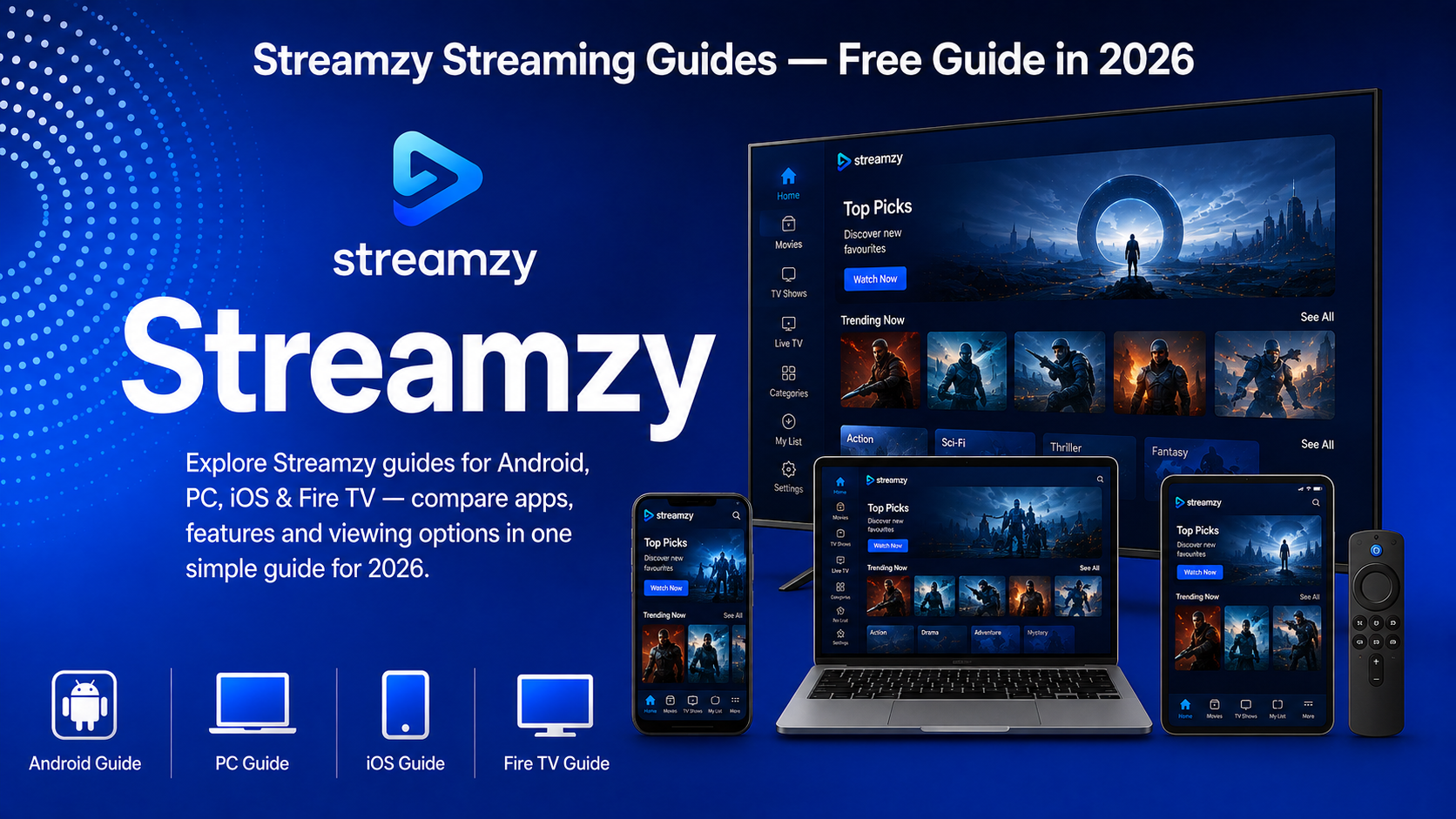
The Streaming Guides 2026 collection helps viewers choose suitable apps and viewing methods for Android, PC, iOS, and Fire TV devices.
Streaming services now provide movies, television shows, documentaries, creator videos, sports, and live channels across multiple screens. However, the viewing experience can change depending on the device, internet connection, subscription plan, storage, display quality, and regional availability.
This guide compares four popular ways to stream content and connects you to detailed recommendations for each device. Whether you prefer a portable phone, a computer, an iPhone or iPad, or a television with Fire TV, you can find a guide designed for your setup.
Table of Contents
- Streaming Guides 2026 Overview
- Device Comparison
- Streaming on Android
- Streaming on PC
- Streaming on iOS
- Streaming on Fire TV
- How to Choose the Right Device
- Features to Compare
- How to Install Streaming Apps
- Tips for Better Streaming
- Frequently Asked Questions
- Final Words
Streaming Guides 2026 Overview
| Guide Detail | Information |
|---|---|
| Main Topic | Streaming apps and device guides |
| Supported Platforms | Android, PC, iOS, and Fire TV |
| Content Types | Movies, TV shows, live channels, and creator videos |
| Service Models | Free, ad-supported, subscription, rental, and purchase |
| App Sources | Google Play, App Store, Amazon Appstore, and official PC services |
| Video Quality | Depends on the service, plan, device, display, and connection |
| Regional Availability | Apps, prices, catalogues, and features vary by country |
| Last Updated | August 2026 |
Streaming Device Comparison
| Device | Best For | Main Advantage | Possible Limitation |
|---|---|---|---|
| Android | Portable and flexible viewing | Wide app selection and mobile features | Battery, storage, and mobile-data use |
| PC | Browser viewing and multitasking | Larger display and easy navigation | Offline features may be limited |
| iOS | iPhone and iPad users | Smooth mobile experience and Apple integration | Storage and subscription restrictions |
| Fire TV | Living-room entertainment | Television display and remote control | App availability varies by region and model |
1. Streaming on Android
Android phones and tablets provide a portable way to watch movies, television shows, live channels, and creator videos.
Popular streaming applications for Android include Netflix, Prime Video, Disney+, YouTube, Tubi, Pluto TV, and Plex. Some services offer offline downloads for eligible titles, making Android useful for travelling or watching without a constant connection.
Before selecting an application, compare video quality, storage requirements, mobile-data settings, subtitles, parental controls, advertisements, and subscription options.
Applications can be downloaded through Google Play. Google’s official instructions explain how users can find and download apps from the Google Play Store.
For detailed app comparisons and setup information, read our Best Streaming Apps for Android in 2026 guide.
2. Streaming on PC
A desktop computer or laptop is suitable for viewers who prefer a larger display, keyboard navigation, browser access, and multitasking.
Many streaming services work directly through modern browsers, reducing the need to install additional software. Depending on the platform, PC users can access subscription catalogues, free ad-supported content, rentals, purchases, live streams, and creator videos.
The maximum video quality may depend on the browser, operating system, subscription plan, monitor, and available hardware. Offline downloads may also be more limited on computers than on mobile devices.
For a complete comparison of browser and Windows viewing options, explore our Best Streaming Apps for PC in 2026 guide.
3. Streaming on iOS
An iPhone or iPad provides a portable streaming experience with touch controls, mobile applications, subtitles, profiles, and supported offline downloads.
Popular iOS streaming apps include Netflix, Prime Video, Disney+, YouTube, Tubi, Pluto TV, and Plex. Available features depend on the service, subscription plan, title, device model, and country.
iOS users should compare storage requirements and mobile-data consumption before downloading high-quality videos. AirPlay support can also make it possible to display content on a compatible television.
Apple explains how to download applications on an iPhone or iPad through the App Store.
Read our Best Streaming Apps for iOS in 2026 guide for detailed information about iPhone and iPad viewing.
4. Streaming on Fire TV
Fire TV is designed for viewers who prefer watching entertainment on a television using a remote control.
Supported Fire TV devices can provide access to movies, television series, live channels, creator videos, family entertainment, and documentaries. Video resolution depends on the application, subscription plan, Fire TV model, television, HDMI connection, and internet speed.
Fire TV devices have limited internal storage, so users may need to remove applications they no longer use. App availability and content catalogues can also vary between countries.
Amazon provides official instructions for downloading and installing apps on Fire TV.
For application comparisons and installation steps, visit our Best Streaming Apps for Fire TV in 2026 guide.
How to Choose the Right Streaming Device
The best device depends on where and how you prefer to watch content.
Choose Android if you want portability, a wide selection of applications, and flexible mobile settings. Android can be useful for viewers who switch between Wi-Fi and mobile data or need supported offline downloads.
Choose a PC if you prefer a larger screen, browser access, easier searching, and multitasking. A computer can be convenient for longer viewing sessions at a desk.
Choose iOS if you regularly use an iPhone or iPad and want integration with other Apple devices. Features such as AirPlay may improve television viewing when supported.
Choose Fire TV if your priority is a living-room experience with a television and remote control. It is suitable for households that want several entertainment applications available through one interface.
Features to Compare Before Choosing an App
Content Catalogue
Check whether the application provides the movies, television shows, live channels, sports, documentaries, or creator videos you enjoy.
A service may offer different titles in different countries, so examine the catalogue available in your region before subscribing.
Subscription and Advertising
Some applications require a monthly subscription, while others provide free viewing supported by advertisements.
Additional payments may apply to rentals, purchases, premium channels, or advanced features. Compare the total cost instead of looking only at the initial subscription price.
Video and Audio Quality
Streaming quality depends on the service, plan, device, display, and connection speed.
If you want HD or 4K viewing, confirm that the selected app, subscription, television or monitor, and streaming device support the required resolution.
Offline Viewing
Offline downloads are useful for travel and areas with an unstable internet connection.
This feature is more commonly available through mobile applications. Download eligibility may depend on the title, subscription plan, device storage, and country.
Subtitles and Accessibility
Look for subtitles, closed captions, audio descriptions, multiple audio languages, adjustable text, and other accessibility features.
Availability can vary between services and individual titles.
Profiles and Parental Controls
Separate profiles help users maintain individual recommendations and watchlists.
Parental controls can help households manage which content is available to younger viewers. Available settings differ between platforms and subscription plans.
Regional Availability
Not every streaming application is available in every country. Catalogues, pricing, advertisements, channels, plans, and features can all change according to location.
Check the official website or app-store listing for information relevant to your country.
How to Install Streaming Apps
Android
Open Google Play, search for the application, confirm the developer information, and select Install.
PC
Visit the official website of the streaming service or search for its application through an official computer app store. Confirm the web address or developer before signing in.
iPhone and iPad
Open the App Store, search for the application, verify its information, and tap Get or the displayed download button.
Fire TV
Use the search option from the Fire TV home screen, select the official application, and choose Get or Download.
After installation, open the application and sign in or create an account. Review the subscription options before confirming any payment.
Tips for Better Streaming
Use a stable Wi-Fi or wired connection when possible. High-resolution video requires more bandwidth and can be affected by weak signals or network congestion.
Keep the device, browser, operating system, and streaming applications updated. Updates may improve compatibility, performance, and available features.
Choose a playback quality suitable for your internet connection. Lowering the resolution can reduce buffering and mobile-data consumption.
Close applications or browser tabs you are not using. This can help older phones, tablets, and computers maintain smoother playback.
Check storage before downloading content or installing several apps. Mobile devices and Fire TV models may have limited available space.
Use subtitles, audio settings, profiles, parental controls, and accessibility options according to your household’s needs.
Frequently Asked Questions
Which Device Is Best for Streaming?
The best device depends on your viewing preferences. Android and iOS are suitable for portable viewing, PCs provide browser access and multitasking, and Fire TV offers a television-focused experience.
Can I Use the Same Streaming Account on Different Devices?
Many services allow one account to be used across supported phones, tablets, computers, and televisions. However, simultaneous-stream limits depend on the selected subscription plan.
Are Free Streaming Apps Available?
Yes. YouTube, Tubi, Pluto TV, and Plex provide free or partly free content supported by advertisements. Availability and catalogues vary by country.
Do I Need a Fast Internet Connection?
The required speed depends on the streaming resolution and service. Higher-quality video usually requires a faster and more stable connection.
Can I Download Movies for Offline Viewing?
Some mobile streaming applications allow eligible movies and episodes to be downloaded. This depends on the service, plan, title, device, country, and available storage.
Why Does the Same App Have Different Content in Another Country?
Streaming catalogues are influenced by regional distribution agreements. Prices, titles, live channels, advertisements, and features may therefore differ between countries.
Can I Watch Mobile Streaming Apps on a Television?
Some applications support AirPlay, casting, smart-TV apps, or compatible television devices. Support depends on the application, phone, television, and network.
Where Should I Download Streaming Apps?
Use the official app store available on your device or the streaming service’s official website. Check the developer and application information before installation.
Final Words
The Streaming Guides 2026 collection covers four popular ways to enjoy movies, television shows, live channels, and creator videos.
Android and iOS provide portable viewing and supported offline features. PC streaming offers larger screens and convenient browser access, while Fire TV provides a television-focused experience with remote navigation.
Compare device compatibility, regional availability, content, video quality, advertisements, subscriptions, storage, and internet requirements before making your choice.
You can continue with our detailed guides: