
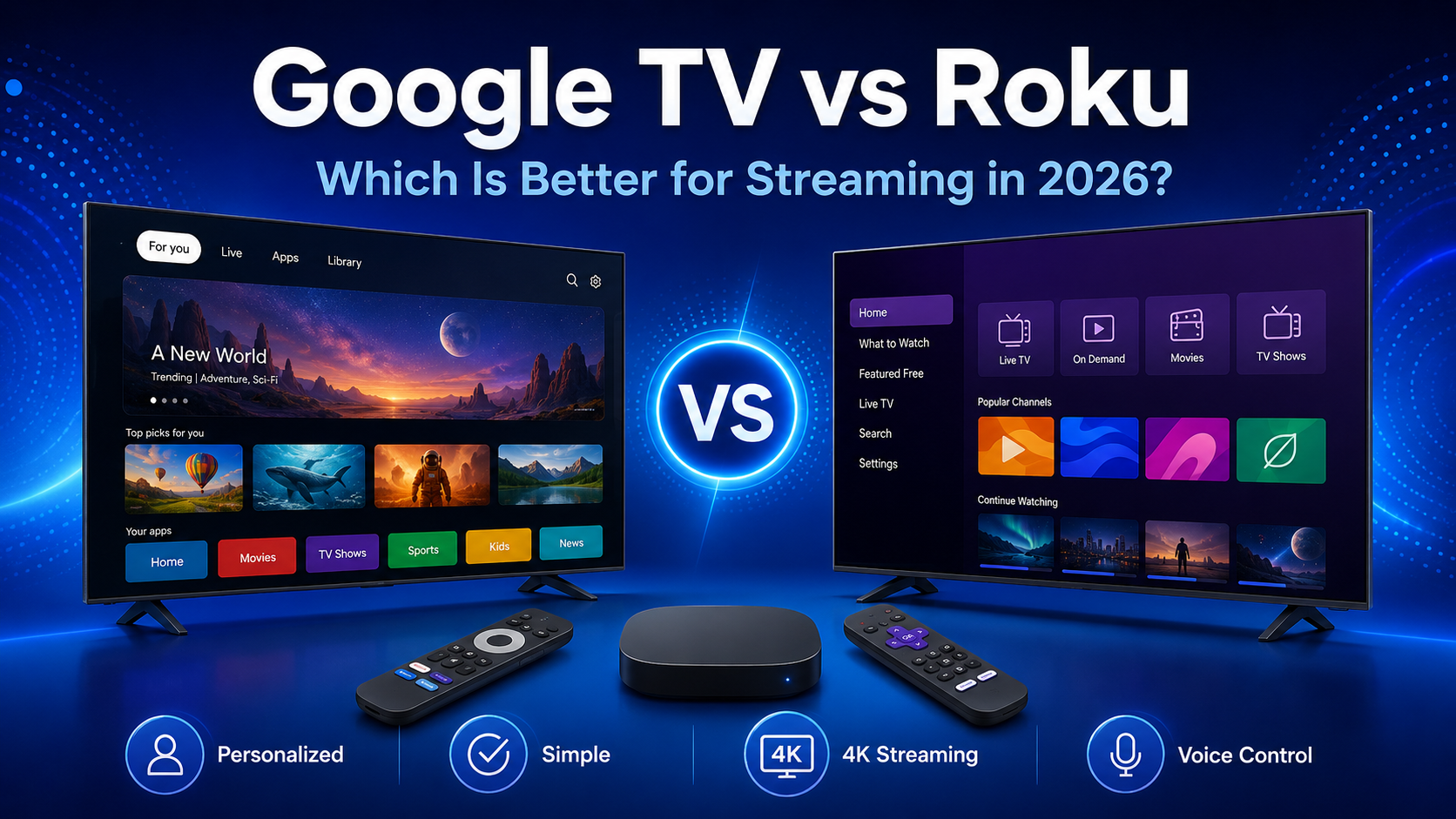
Choosing between Google TV vs Roku in 2026 is less about finding one universal winner and more about deciding which experience fits the way you watch. Both platforms provide access to major streaming services, yet they organize entertainment differently. Google TV emphasizes cross-service discovery and personalized recommendations, while Roku favors a straightforward home screen built around apps.
Explore our complete Streaming Guides 2026 collection to compare viewing options across popular devices and platforms.
Google TV vs Roku: Quick Comparison
| Feature | Google TV | Roku |
|---|---|---|
| Operating system | Google TV interface powered by Android TV OS | Roku OS |
| Interface | Content-first layout with recommendations from multiple services | App-first home screen with a customizable channel grid |
| App selection | Broad selection through Google Play for TV | Broad selection through Roku’s Streaming Store |
| Search | Cross-app search with strong Google integration | Universal search across participating services |
| Recommendations | Highly personalized suggestions, watchlist, and service-based discovery | Simpler discovery with recommendations and featured content |
| Voice control | Google Assistant or newer Google voice features, depending on device and region | Roku Voice through compatible remotes and the mobile app |
| Smart-home integration | Deep Google Home integration on supported devices | Roku Smart Home integration plus support for selected third-party ecosystems |
| Available devices | Built-in smart TVs and Google TV streaming devices from Google and partners | Roku TVs, streaming sticks, players, and Streambar products |
| Ease of use | Feature-rich but visually busier | Usually easier for beginners who want an app grid |
| Best suited for | Viewers who value discovery, casting, Google services, and personalization | Viewers who value simplicity, quick app access, and broad hardware choice |
This table compares the platforms in general. Exact features can differ by country, television manufacturer, model, remote, and software version.
What Is Google TV?
Google TV is Google’s personalized smart-TV experience. It runs on top of Android TV OS, so Google TV and Android TV are related but not identical. Google officially describes Google TV as the newer interface, while some products still use Android TV OS without the Google TV experience.
Google TV organizes its home screen around movies, shows, live programming, apps, and recommendations. It can combine suggestions from selected services, maintain a watchlist, support multiple profiles, and surface content without requiring the viewer to open every app first. Google’s official Google TV overview explains its search, casting, smart-home, mobile-remote, and personalized discovery features.
What Is Roku?
Roku is a streaming platform built around Roku OS. It is available on Roku-branded and partner televisions as well as separate streaming sticks, players, and selected audio products with streaming built in.
Apps on Roku are commonly called channels. After setup, installed channels appear as tiles on the home screen, where viewers can move them into a preferred order. This design keeps navigation familiar: choose an app, open it, and browse that service.
Roku also provides search, voice controls on supported hardware, free content discovery, and a mobile app. Its device range includes HD and 4K options, but exact features depend on the model. Roku’s official player comparison shows the capabilities of its current players.
Interface and Ease of Use
Google TV places content recommendations prominently on the home screen. Instead of presenting only an app list, it highlights titles from connected services and organizes them by genre, viewing history, popularity, and other signals. This can reduce the time spent opening several apps, but it also creates a denser screen.
Roku’s interface is generally more direct. Its home screen is centered on a grid of installed channels, with navigation categories along the side. That makes it easy to explain to a first-time user and quick to operate when someone already knows which app they want.
Both platforms display promotional or sponsored material. Google TV can show recommendations, featured titles, and sponsored content. Roku can show home-screen advertising and promoted entertainment. Neither platform offers a completely promotion-free main interface by default.
Personalization is deeper on Google TV, especially with multiple profiles. For beginners, Roku may feel simpler; for viewers who want help deciding what to watch, Google TV may feel more useful.
Apps and Streaming Services
In the google tv vs roku apps comparison, both platforms cover the services most viewers expect. Netflix, Prime Video, Disney+, YouTube, Tubi, Pluto TV, and Plex are available on supported Google TV and Roku devices in major markets.
Availability is not identical everywhere. A service may be unavailable in a particular country, restricted to certain models, or offer different features across platforms. Before buying, check each essential app for the exact model and region, especially local and specialized services.
Google TV uses apps made for Android TV OS and distributed through Google Play for TV. Roku distributes channels through its own Streaming Store. Both catalogs are extensive, so app count alone is rarely the best deciding factor; the availability of the specific services you use matters more.
Search and Content Recommendations
Google TV’s strongest advantage is content discovery. Its search can look across participating apps, while recommendations may use your selected services, watchlist, viewing activity, likes, dislikes, and other Google activity when the relevant settings are enabled.
This can answer “What should I watch tonight?” and show where a title is available. Recommendations do not include every service equally and may surface rentals, purchases, or services you do not use.
Roku also offers cross-service search for titles, actors, and other queries across participating channels. Its experience is generally less centered on a personalized content feed. The app grid remains the main starting point, which suits viewers who prefer to browse inside Netflix, Prime Video, or another chosen service.
If discovery is the priority in a roku vs google tv decision, Google TV has the more personalized approach. If predictable navigation is more important, Roku’s simpler structure may be preferable.
Performance and Streaming Quality
Both platforms can deliver HD and 4K streaming on compatible hardware. Selected devices also support HDR formats, Dolby Vision, and Dolby Atmos. These labels require careful comparison because platform support does not guarantee that every product includes every format.
Streaming quality depends on the specific television or player, the app, the subscription tier, the title, the TV’s display capabilities, connected audio equipment, HDMI compatibility, and internet connection. For example, Roku lists Dolby Vision and Dolby Atmos on selected products rather than across its entire lineup. The same principle applies to Google TV devices from different manufacturers.
Hardware also affects menu speed, app launches, Wi-Fi stability, storage, and responsiveness. Compare the exact model’s resolution, HDR and audio support, connectivity, and updates rather than choosing by platform logo alone.
Voice Control and Smart-Home Features
Google TV integrates closely with Google’s voice and smart-home ecosystem. On compatible devices, viewers can search for entertainment, open apps, control playback, and access supported smart-home controls. Selected Google TV products can display camera feeds, doorbell notifications, lights, and other connected devices through Google Home.
Roku Voice supports entertainment search and system commands through compatible Roku voice remotes and the Roku mobile app. Capabilities vary by device, region, and remote. Roku also offers its own smart-home products and supports selected connections with systems such as Google Assistant, Alexa, and Apple HomeKit on compatible products.
Google TV is usually the more natural choice for a household already organized around Google Home. Roku’s voice system is capable for television tasks, but smart-home integration is not as central to the main experience.
Device Selection and Pricing
There are two ways to adopt either platform: buy a television with the software built in or connect a separate player to an existing TV.
A built-in platform keeps setup clean, but performance is tied to the TV’s processor and updates. A separate player is easier to replace, move, or upgrade. Both platforms are available built into selected TVs and through external hardware.
Prices vary by country, retailer, promotion, and model, so a fixed number can become inaccurate quickly. Compare current official listings and evaluate the full package: resolution, HDR support, remote type, Wi-Fi, Ethernet, storage, audio support, and warranty. For budget-conscious buyers, an inexpensive external player can refresh an older television without replacing the screen.
Future guide placeholder: Add a dedicated Google TV device guide here when published.
Future guide placeholder: Add a dedicated Roku device guide here when published.
Privacy, Accounts and Personalization
Google TV normally uses a Google Account for its full personalized experience. Multiple profiles can separate recommendations and watchlists, although individual streaming apps may still require their own profile selection and sign-in. Google explains that recommendations can use watch activity, connected services, watchlist choices, and other enabled account activity.
Users can adjust activity and privacy settings, remove services from recommendations, or use Apps only mode to hide personalized home-screen recommendations. Apps only mode still displays some sponsored content and disables certain discovery features, including search and Assistant functions.
Roku requires a Roku account to activate its streaming devices and manage channels. Individual subscriptions remain separate. Roku provides privacy and advertising controls, and supported regions may offer Guest Mode so visitors can sign in for a chosen period and have their sign-in information removed afterward.
On either platform, review account activity, advertising preferences, app permissions, microphone controls, and each service’s privacy settings.
Gaming and Extra Features
Neither platform replaces a modern console or gaming PC. Casual games, cloud-gaming services, and controller support vary by device and region.
Google TV has built-in casting on supported devices, allowing compatible apps on a phone or tablet to send content to the television. The Google TV mobile app can also work as a remote and keyboard. Some devices support Bluetooth accessories, although capabilities depend on the hardware.
Roku supports screen mirroring on compatible devices and AirPlay on supported models. Its mobile app provides a remote, voice functions, keyboard entry, and Headphone Mode for private listening through a connected phone. Some Roku remotes also include a headphone jack, depending on the model.
Android and Google Home users may value casting and Google integration. Apple users may appreciate AirPlay on compatible Roku products, although some Google TV models also support it through their manufacturers.
Google TV Pros and Cons
Pros
- Strong cross-service content discovery
- Personalized profiles and watchlists
- Close integration with Google Home and Google services
- Convenient casting and mobile remote features
- Available on TVs and separate streaming hardware
Cons
- Home screen can feel busy
- Recommendations may not cover every service equally
- Features vary by manufacturer, model, and region
- Full personalization depends heavily on a Google Account
Roku Pros and Cons
Pros
- Simple, familiar app-grid interface
- Broad choice of TVs and separate players
- Easy channel organization
- Useful mobile app and Headphone Mode
- Search and voice features on supported devices
Cons
- Home-screen advertising may distract some users
- Recommendations are less deeply personalized than Google TV’s
- Premium video and audio formats vary by model
- Some features and channels are region-dependent
Google TV or Roku: Which Should You Choose?
Choose Roku if you are a beginner or simply want to select an app and start watching. Its predictable home screen is also a strong fit for people who prefer a simple interface and do not want content suggestions to dominate navigation.
Choose Google TV if you use Google services, cast frequently from an Android phone, manage smart-home products through Google Home, or want personalized recommendations across participating services. It is particularly useful for viewers who often know the kind of movie or show they want but not which app carries it.
Budget-conscious buyers should compare actual products rather than assume one platform always costs less. Sales and regional availability change, while a TV’s panel and processor may matter more than its interface.
So, google TV or Roku? Pick the platform that matches your habits, then compare the exact television or streaming player. The operating system shapes navigation, but hardware determines speed, picture formats, connectivity, remote features, and much of the overall experience.
Frequently Asked Questions
Is Google TV better than Roku?
Google TV may be better for personalized recommendations, Google Home integration, and casting. Roku may be better for beginners and viewers who prefer a simple app-focused home screen. The better choice depends on your services, ecosystem, and specific device.
Does Roku have more apps than Google TV?
A raw app count is not a useful guarantee because catalogs change and vary by region. Both platforms support the major services in many markets. Check each niche or regional app you need on the exact device before buying.
Can Google TV and Roku stream in 4K?
Yes, compatible Google TV and Roku devices can stream in 4K. You also need a 4K television, suitable content, the required service plan, and enough internet bandwidth. HDR, Dolby Vision, and Dolby Atmos support varies by model and app.
Which platform is easier to use?
Roku is generally easier for people who want a straightforward grid of apps. Google TV provides more discovery tools and personalization, which can be helpful but makes the interface busier.
Can I use Roku on a Google TV?
Yes. A Roku streaming player can connect to an available HDMI port on a television that has Google TV built in. Select that HDMI input to use Roku, then return to the TV’s main interface whenever you want.
Is Google TV the same as Android TV?
Not exactly. Google TV is a personalized interface powered by Android TV OS. Some products use Android TV OS without the Google TV interface and are described as Android TV devices.
Which is better for free streaming apps?
Both support popular free, ad-supported services such as Tubi, Pluto TV, Plex, and YouTube in supported regions. Roku also emphasizes free discovery through The Roku Channel where available. Choose based on regional availability and the specific free services you watch.
Final Verdict
The google tv vs roku choice in 2026 comes down to discovery versus simplicity. Google TV is likely to suit viewers who want personalized suggestions, powerful cross-service search, casting, and close Google Home integration. Roku is likely to suit viewers who want a clean app-first routine, easy navigation, flexible hardware choices, and useful features such as mobile Headphone Mode.
Neither platform guarantees faster performance or better picture quality by itself. Compare the exact television or streaming device, confirm the apps and formats you need, and consider how well it fits the phones, speakers, and smart-home products you already use.