
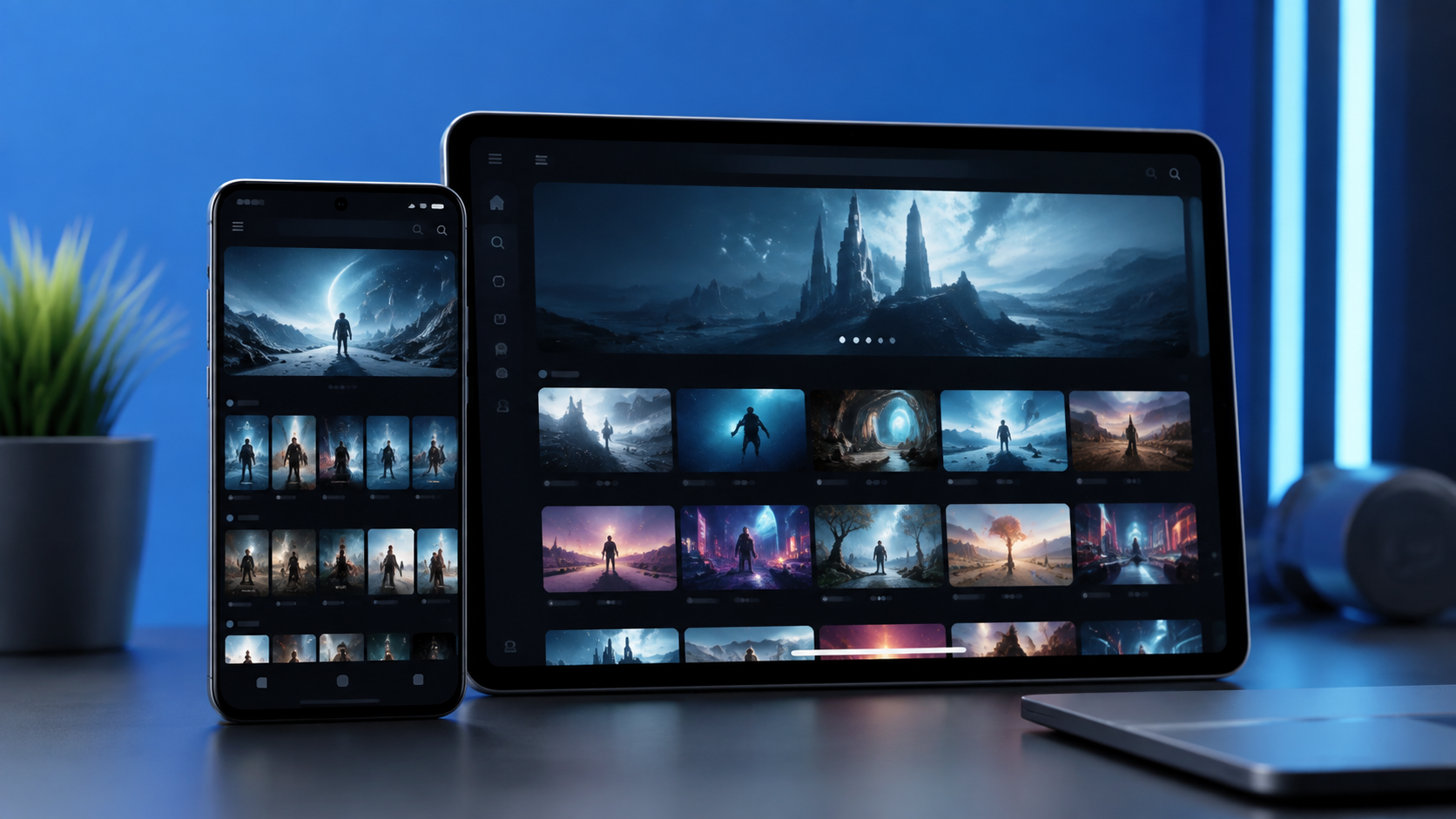
Android phone and tablet owners have several ways to stream movies and television without paying a monthly fee. The strongest free movie apps for Android use advertising, library access, free channels, or a mix of free and paid content. The right choice depends on your country, the available catalog, advertisement frequency, video quality, account rules, live channels, and compatibility with your device.
Catalogs and features change frequently. An app available in one country may be missing—or offer different programming—somewhere else. Check its current Google Play page and service terms before installing it.
Free Movie Apps for Android: Quick Comparison
| App | Movies | TV Shows | Live Channels | Account Required | Advertisements | Offline Downloads | Best For |
|---|---|---|---|---|---|---|---|
| Tubi | Yes | Yes | Yes, where supported | No for basic viewing | Yes | Not confirmed for free catalog | On-demand variety |
| Pluto TV | Yes | Yes | Yes | Usually no | Yes | Not confirmed for free catalog | Live channel surfing |
| Plex | Yes | Yes | Yes, where supported | Varies by feature | Yes on free content | Personal media only; check details | Streaming plus personal media |
| YouTube | Varies by region and channel | Varies | Yes | No for basic viewing | Varies | Only where an official offline control is offered | Official channels and broad video access |
| The Roku Channel | Yes | Yes | Yes | Varies | Yes | Check current app details | Roku Originals and live TV |
| Fandango at Home | Free selections plus rentals and purchases | Yes | No major live-TV focus | Yes | Yes on free titles | Free catalog not confirmed | Free titles plus a digital library |
| FilmRise | Yes | Yes | Check current app details | No | Yes | Not confirmed | Classics and familiar television |
| Fawesome | Yes | Yes | Check current app details | No | Yes | Not confirmed | Browsing without signup |
| Xumo Play | Yes | Yes | Yes | No | Yes | Not confirmed | Live TV without login |
How We Selected These Android Movie Apps
Each service had to meet practical standards at the time of writing:
- A verifiable official Android application
- Clearly described free content or free viewing features
- A transparent advertising or payment model
- A recognizable company or streaming service
- Current support or an active official listing
- No requirement to install modified files
Inclusion does not mean that every title, live channel, or feature is offered in every country. We also avoided treating rental stores as fully free services: when an app mixes free viewing with purchases, the distinction is stated clearly.
For a broader comparison of free and subscription services, explore our complete guide to the best streaming apps for Android in 2026.
9 Best Free Movie Apps for Android in 2026
1. Tubi
Tubi provides ad-supported movies, television series, originals, kids programming, and live programming where supported. Basic viewing generally does not require an account, although signing in can add watchlist and personalization features. Treat it as a streaming service; do not assume free titles can be downloaded.
Best for: A broad mix of on-demand entertainment.
Free model: Advertising-supported streaming.
Account required: No for basic viewing; optional features may require one.
Offline viewing: Not confirmed for the free catalog.
Main limitation: Countries, titles, live programming, and features vary.
Check Tubi’s official Google Play listing for current device and regional details.
Advantage: Easy access without a subscription.
Limitation: The catalog rotates and interruptions are part of the free model.
2. Pluto TV
Pluto TV combines scheduled live channels with on-demand movies and shows. It usually permits basic viewing without an account. Its lineup, library, interface, and availability differ among supported markets, and offline downloads should not be assumed.
Best for: Free live television and casual channel surfing.
Free model: Advertising-supported live and on-demand viewing.
Account required: Usually no for basic access.
Offline viewing: Not confirmed for the free catalog.
Main limitation: Regional lineups can differ substantially.
Current Android availability can be checked through Pluto TV’s official Android listing.
Advantage: Live channels and on-demand choices share one interface.
Limitation: Viewers cannot control a scheduled channel like an on-demand title.
3. Plex
Plex combines free ad-supported programming, live television in supported markets, discovery tools, and personal media organization. An account may be needed for syncing, watchlists, or personal media. Downloads of eligible personal media do not mean its free streaming catalog is downloadable.
Best for: Combining streaming discovery with personal media organization.
Free model: Advertising-supported programming plus optional paid and personal-media features.
Account required: Varies by feature.
Offline viewing: Personal-media options differ; free catalog downloads are not assumed.
Main limitation: The number of features can feel more complex than a basic movie app.
See Plex’s official Google Play listing for current requirements.
Advantage: One app can organize multiple viewing sources.
Limitation: Some results point to other services instead of playing inside Plex.
4. YouTube
YouTube is not a dedicated free-film catalog in every market, but studios, distributors, archives, and public organizations may publish full movies on official channels. Basic viewing does not require an account; purchases and some offline controls may require sign-in or payment. Confirm that a full movie comes from an official channel rather than an unknown reupload.
Best for: Official channels, documentaries, archives, and selected full films.
Free model: Advertising-supported video, alongside rentals and paid memberships.
Account required: No for much basic viewing.
Offline viewing: Only when YouTube displays an official download control under current regional terms.
Main limitation: Full-length movie availability is inconsistent.
Advantage: Broad device support and powerful search.
Limitation: Free films are mixed with clips, rentals, and unrelated videos.
5. The Roku Channel
The Roku Channel offers free movies, series, Roku Originals, and live channels in supported locations. Some features may require sign-in, and other selections may involve payment. Confirm that the dedicated channel app—not merely the Roku remote app—is offered in your Play Store.
Best for: Roku Originals, free on-demand titles, and live programming.
Free model: Advertising-supported content with other offers possible.
Account required: Varies by feature and market.
Offline viewing: Check current app details; do not assume it for free titles.
Main limitation: Geographic access is limited.
Advantage: Mixes on-demand programs and live channels.
Limitation: It is not an option in every country.
6. Fandango at Home
Fandango at Home, formerly Vudu, mixes rentals and purchases with labeled ad-supported free movies and television. An account is required. Downloads may be available for eligible paid titles, but that is separate from offline access to the free catalog.
Best for: Combining free selections with rentals and purchases.
Free model: Advertising-supported selected titles; other content is paid.
Account required: Yes.
Offline viewing: May apply to eligible paid titles; not confirmed for free programming.
Main limitation: Primarily intended for the United States.
Advantage: Clear separation among free, rental, and purchase options.
Limitation: Not every title displayed is free.
7. FilmRise
FilmRise offers ad-supported movies and television, including familiar series, documentaries, dramas, and older films. Its listing states that viewers can stream without registering. Offline access is not confirmed, and availability differs by location and device.
Best for: Classic films, documentaries, and established television series.
Free model: Advertising-supported streaming.
Account required: No.
Offline viewing: Not confirmed.
Main limitation: The selection may lean older than premium subscription catalogs.
Advantage: No registration is advertised for viewing.
Limitation: Regional rights can change what appears.
8. Fawesome
Fawesome offers ad-supported movies and television across multiple genres. It promotes no-subscription, no-signup viewing. Check device and country access in the current Play listing, and do not assume the free catalog includes downloads.
Best for: No-signup browsing across movie genres.
Free model: Advertising-supported streaming.
Account required: No for advertised basic viewing.
Offline viewing: Not confirmed.
Main limitation: Availability and catalog depth vary by market.
Advantage: Straightforward access without a subscription.
Limitation: Live-channel and advanced feature support is less consistent than on live-TV-focused apps.
9. Xumo Play
Xumo Play combines ad-supported live channels with on-demand movies and television without a subscription or login. Its channels, titles, and supported countries can change, and offline downloads are not confirmed.
Best for: Live television and on-demand viewing without login.
Free model: Advertising-supported streaming.
Account required: No for advertised basic access.
Offline viewing: Not confirmed.
Main limitation: Limited regional availability.
Advantage: Live and on-demand viewing share one app.
Limitation: Many users will not find it in their local Play Store.
Which Free Movie App Is Best for Different Viewers?
There is no reliable universal winner because country support and catalogs differ. These starting points can narrow the choice:
- Movies on demand: Tubi or FilmRise, where available
- Free live television: Pluto TV or Xumo Play
- Family viewing: Tubi Kids or the family sections offered by supported services; always check content ratings and controls
- Classic films: FilmRise or Fawesome
- Personal media organization: Plex
- Watching without creating an account: Tubi, Pluto TV, FilmRise, Fawesome, or Xumo Play for basic access where supported
- Movies and television in one application: Most services here qualify, but Plex, Tubi, and Pluto TV provide especially broad formats
Explore our Streaming Guides 2026 collection for more viewing options across Android, PC, iOS, Fire TV, and television platforms.
Can You Download Free Movies for Offline Viewing?
Streaming and downloading are separate rights. A free movie download app should not be assumed to save every free title just because it can stream it.
- A free catalog normally plays while the device is connected.
- Subscription content may offer downloads only while the membership remains active.
- A rental or purchase may include an authorized temporary or persistent download, depending on its terms.
- Plex may handle personal media stored through a user’s own server and permitted settings.
- An in-app “Download” button may save a video only inside that app for a limited period.
Check the current terms and visible download controls before depending on offline playback. If no official control appears, treat the title as streaming-only.
How to Install Free Movie Apps on Android
- Open Google Play.
- Search for the exact application name.
- Check the developer identity.
- Review regional availability and the content rating.
- Read the permissions and current application details.
- Install the official version.
- Create an account only if required.
- Review mobile-data and playback-quality settings before watching.
Avoid similarly named copies and download pages outside the trusted store.
Features to Compare Before Choosing an App
The best free movie mobile app for one viewer may be unsuitable for another. Compare regional access and the current movie and television catalog first. Then consider advertisement frequency, available video quality, subtitles, audio tracks, account requirements, parental controls, casting or television support, and mobile-data usage.
If you mainly want a free TV shows app, check whether it offers complete seasons or primarily scheduled channels. Also review offline controls, recent application updates, device requirements, and whether Chromecast support is listed for your phone and region.
Free Movie Apps vs Paid Streaming Services
Free film apps usually rely on advertisements, rotate older or licensed catalogs, carry fewer premium releases, and sometimes provide live channels. Downloads are not guaranteed.
Paid services may fund exclusive productions, offer broader offline support, and reduce advertisements depending on the plan. However, they require a subscription, rental, or purchase. Neither model is automatically better: free apps suit flexible viewing, while paid services may be stronger for a specific exclusive title or offline trip.
How to Improve Streaming Quality on Android
- Use a stable Wi-Fi or mobile connection.
- Check the app’s video-quality setting.
- Update Android and the application.
- Close unnecessary background activity.
- Check available device storage.
- Restart the application or device.
- Lower video quality when the connection is unstable.
- Prefer Wi-Fi when mobile-data limits are a concern.
Frequently Asked Questions
What are the best free movie apps for Android?
Tubi, Pluto TV, Plex, YouTube, The Roku Channel, Fandango at Home, FilmRise, Fawesome, and Xumo Play are strong official options in supported regions. The best choice depends on local access and the content you want.
Can I watch movies for free on an Android phone?
Yes. You can watch free movies on an Android phone through supported advertising-funded services and selected official channels. Internet access is normally required.
Do free movie apps require an account?
Some do and some do not. Fandango at Home requires an account, while services such as FilmRise and Fawesome advertise basic viewing without registration. Requirements can change.
Which free movie app also includes TV shows?
Tubi, Pluto TV, Plex, FilmRise, Fawesome, Xumo Play, and other entries above include both formats where supported.
Can I download movies for offline viewing?
Sometimes, but not automatically. Downloads may apply only to subscriptions, purchases, rentals, or personal media. Check the title’s official in-app controls.
Are these applications available in every country?
No. Services, catalogs, channels, and features vary by country, and some apps focus on the United States or a limited group of markets.
Where should I download Android movie apps?
Use Google Play and confirm the app name, developer, content rating, permissions, and current description before installing.
Can I cast these apps to a television?
Some apps support Chromecast or other television playback on compatible devices. Confirm the current feature list because support can differ by app, device, and region.
Why is an application unavailable in my country?
Distribution rights, business decisions, local rules, language support, and technical rollout plans can limit a service to selected markets.
Do free movie apps contain advertisements?
Most apps in this guide use advertisements to fund free viewing. The frequency and format vary by service, title, and country.
Final Thoughts
When comparing free movie apps for Android, begin with what is actually available in your Play Store. Then weigh the current catalog, advertisement model, account requirements, live channels, casting support, and confirmed offline controls. Choosing two complementary apps—one for on-demand movies and another for live television—may be more useful than searching for a single winner.