
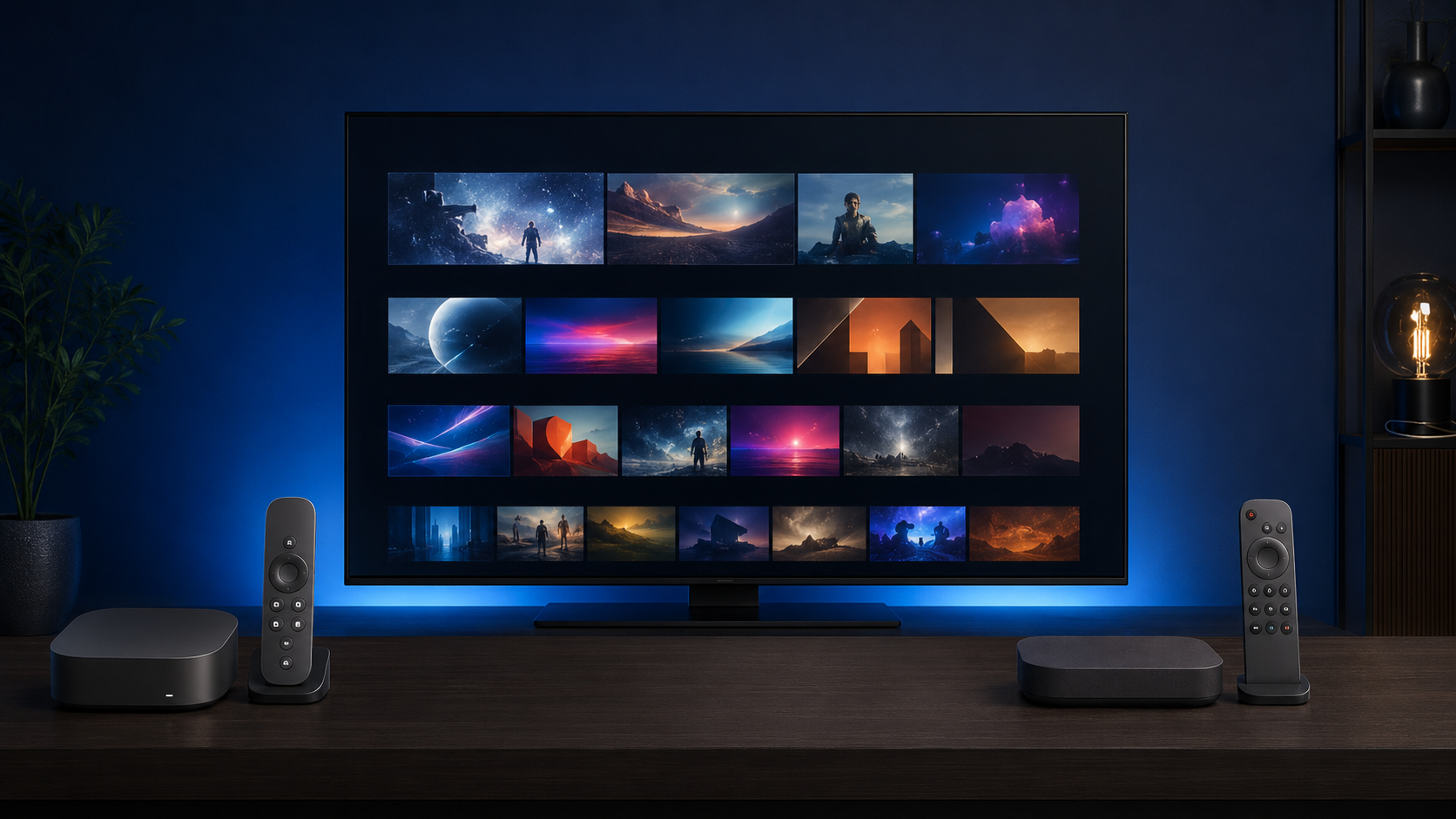
Choosing between apple tv vs roku is less about whether you can open Netflix and more about how you want to find, organize, and watch movies and shows. Both platforms carry major streaming apps in the United States, support premium video on compatible hardware, and offer voice search. Their priorities are different, however.
Apple TV 4K is generally the stronger choice for people who already use iPhone, iPad, Mac, AirPods, or Apple Home and want fast, polished navigation with premium home-theater support. Roku is usually the better value for viewers who want a simple app grid, multiple hardware formats and price levels, and prominent access to free, ad-supported programming.
Apple TV vs Roku: Quick Verdict
- Choose Apple TV 4K if you value smooth performance, deep Apple-device integration, a rechargeable remote, strong privacy controls, and Dolby Vision, HDR10+, and Dolby Atmos support in one premium box.
- Choose Roku if you want uncomplicated navigation, broad hardware choice, and an easy route to free movies, shows, and live channels.
- Choose Roku Ultra if you want Roku’s premium player with Wi-Fi 6, Ethernet, Dolby Vision, HDR10+, Dolby Atmos decoding, and a rechargeable backlit voice remote.
- Choose a Roku TV if you need a television and prefer Roku OS built directly into the set rather than adding a separate player.
Apple TV and Roku at a Glance
Apple TV 4K is Apple’s physical HDMI streaming box. It runs tvOS and installs apps from the App Store. The Apple TV app is a viewing and discovery app that also appears on non-Apple platforms. Apple TV+ is the paid subscription service for Apple’s original movies and series. Buying Apple TV 4K does not permanently include Apple TV+ or other paid services.
A Roku player is a separate stick or box connected by HDMI. A Roku TV is a television with Roku OS built in; its panel, ports, and picture capabilities depend on the exact TV model. Roku OS is the platform that powers both. The Roku Channel is Roku’s content destination for free, ad-supported programming and optional subscriptions where available.
This difference matters when comparing roku tv vs apple tv: one is an entire television category, while Apple TV 4K is an add-on player. Readers considering other interfaces can also see our Google TV vs Roku comparison.
Apple TV vs Roku Comparison Table
| Feature | Apple TV 4K | Roku platform |
|---|---|---|
| Main platform | tvOS streaming box | Roku OS on players and TVs |
| Hardware formats | Compact box; Wi-Fi or Wi-Fi + Ethernet versions | Sticks, players, soundbars, and Roku TVs; features vary |
| Interface style | Polished app home screen plus Apple TV app discovery | Straightforward app grid with platform promotions |
| Movie and TV discovery | Apple TV app, Watchlist, Continue Watching, and Siri across supported sources | Roku Search, What to Watch, Save List, and The Roku Channel |
| Major app access | Broad U.S. selection through App Store | Broad U.S. selection through Roku Store |
| Free content | Third-party free, ad-supported apps | The Roku Channel plus third-party free apps, subject to region |
| 4K and HDR | 4K, HDR10, HDR10+, HLG, Dolby Vision | Model-specific; Roku Ultra supports 4K, HDR10/10+, HLG, Dolby Vision |
| Audio | Dolby Digital 5.1, Dolby Digital Plus 7.1, Dolby Atmos and more | Model-specific; Ultra supports stereo, DTS pass-through, and Dolby Atmos decode via HDMI |
| Voice assistant | Siri | Roku Voice; remote capability varies |
| AirPlay | Built in | Available on supported Roku models |
| Private listening | AirPods, compatible Beats, or Bluetooth headphones | Headphone Mode in mobile app; remote headphone jack only on selected remotes |
| Remote | Rechargeable USB-C Siri Remote with touch clickpad and TV controls | Varies; Ultra includes rechargeable backlit Voice Remote Pro (2nd edition) |
| Smart home | Apple Home hub, HomeKit, Matter; Thread on Ethernet model | Roku Smart Home; selected models work with HomeKit, Alexa, or Google Home |
| Ethernet | Gigabit Ethernet on 128GB model only | Not universal; Ultra has 10/100 Ethernet |
| Advertising experience | Platform recommendations and promotions; third-party apps may show ads | Home-screen and discovery promotions; third-party apps may show ads |
| Best suited for | Apple users and premium setups | Simple access, free-content discovery, and hardware choice |
1. Movie and TV Application Selection
Both platforms cover the main categories most U.S. viewers need: large subscription services, free ad-supported streaming television, live-TV providers, rental and purchase stores, and media-server apps. Apple lists services such as Netflix, Disney+, Prime Video, and major live-TV apps for Apple TV 4K. Roku likewise offers leading subscription and free services through its store.
The practical difference is rarely one famous app. It is whether a smaller regional, provider, or specialty app supports your exact device. Availability can change by country, model, and platform, so check the provider’s current device list before buying. Neither hardware purchase pays for separate subscriptions, rentals, or purchases.
2. Finding Movies and TV Shows
Apple TV 4K has a conventional app-based home screen, while the Apple TV app adds editorial recommendations, a Watchlist, and Continue Watching from supported connected apps and channels. Siri can search for titles, actors, or genres, but some apps do not share their catalogs or viewing activity with Apple’s aggregation layer.
Roku’s home screen emphasizes installed apps. Roku Search can compare viewing options across supported services, and Roku’s discovery areas can surface free programming, rentals, purchases, and subscription results. A result on either platform may therefore open something already included with your subscription—or show a separate price. Always inspect the provider label before selecting Play.
3. Free Movies and Television
Roku gives free programming a more visible role. In the United States, The Roku Channel includes ad-supported movies, shows, Roku Originals, and live channels without a platform subscription. Other free services can be installed on Roku and Apple TV 4K.
“Free” usually means ads, a limited catalog, or both. Availability varies by region, and a title that is free today may later move behind a subscription or rental. Apple TV 4K does not make every title in the Apple TV app free, and owning a Roku does not include every paid service.
4. 4K, HDR, and Picture Quality
Apple’s current Apple TV 4K specifications list video up to 2160p at 60 fps, with HDR10, HDR10+, HLG, and Dolby Vision. Roku’s lineup varies: entry models may be HD, while the current Roku Ultra supports 4K at 60 fps plus HDR10/10+, HLG, and Dolby Vision.
When both devices output the same title in the same supported format, neither automatically creates a better picture. Results depend on the exact player, television, HDMI input and cable, streaming plan, title master, bandwidth, and app implementation. A compatible 4K HDR television is required to see 4K HDR.
5. Sound and Home-Theater Experience
Apple TV 4K supports Dolby Digital 5.1, Dolby Digital Plus 7.1, and Dolby Atmos among its audio formats. The current Roku Ultra lists digital stereo, DTS Digital Surround pass-through, and Dolby Atmos decoding through HDMI. Cheaper Roku models can have different audio capabilities.
Format support is only one link in the chain. The title, app, service plan, TV, soundbar or receiver, and HDMI configuration must all support the desired format. Dolby Atmos is therefore not guaranteed for every movie, episode, or app on either device.
6. Interface, Advertising, and Ease of Use
Roku’s large app tiles and predictable left-side menu are easy to understand, especially for viewers moving from cable boxes or basic smart TVs. Apps can be rearranged, although Roku also places promotional material in its interface and discovery surfaces.
Apple TV 4K uses a refined app grid and integrates Apple services, profiles, photos, and recommendations. It is not accurate to call the complete experience ad-free: Apple can show content promotions, and ad-supported third-party apps still carry their own commercials. Apple provides controls for play history and personalization; Roku also provides privacy and advertising choices in its settings. Users concerned about tracking should review those controls instead of assuming either default fits their preferences.
7. Remote Controls and Private Listening
The Siri Remote has a touch-enabled clickpad, Siri button, TV power and volume controls, and a rechargeable USB-C battery. Compatible iPhones and iPads can also act as an Apple TV Remote from Control Center. For quiet viewing, Apple TV 4K can connect to AirPods, compatible Beats, or other Bluetooth headphones.
Roku remotes differ considerably. Basic models may use replaceable batteries and omit voice functions. Roku Ultra includes the rechargeable, backlit Voice Remote Pro (2nd edition), with TV controls, voice operation, a lost-remote finder, and quick-launch controls. Headphone Mode is available through the Roku mobile app; a physical headphone jack is limited to compatible remotes, so check the included accessory rather than assuming every Roku remote has one.
8. AirPlay, Casting, and Mobile Devices
Apple TV 4K is the natural fit for sending supported video, photos, music, or a screen from an iPhone, iPad, or Mac through AirPlay. It also benefits from Apple Account sign-in, iPhone keyboard entry, and integrated playback controls.
AirPlay 2 and HomeKit are available on supported Roku players and Roku TVs—not every old or entry model. Roku’s official AirPlay guidance confirms that compatible devices must share a network and notes that app behavior can vary. Roku’s mobile app adds a remote, voice entry, keyboard, and Headphone Mode. Content-protection rules can prevent mirroring or AirPlay in certain apps on either platform; those restrictions are set by content and app providers.
9. Smart Home, Gaming, and Extra Features
Apple TV 4K can act as an Apple Home hub and works with HomeKit and Matter accessories. The 128GB Ethernet version also supports Thread. Siri and household profiles deepen its value in an Apple-based home. Apple Arcade and compatible Bluetooth controllers provide casual and subscription gaming, but the box is not a substitute for a current dedicated console.
Roku Ultra works with Roku Smart Home, Apple HomeKit, Alexa, and Google Home according to its current product page. Roku’s entertainment focus remains television, and gaming is much more limited. Storage is another difference: Apple specifies 64GB or 128GB, while Roku does not publish comparable user-installable storage capacity for Ultra; app management is handled by Roku OS.
Apple TV 4K vs Roku Ultra
The apple tv 4k vs roku ultra comparison is the fairest premium matchup. Both support 4K, Dolby Vision, HDR10+, Wi-Fi 6, voice control, rechargeable remotes, and Dolby Atmos in compatible setups. Both also support AirPlay and HomeKit.
Apple TV 4K offers 64GB on the Wi-Fi version and 128GB plus Gigabit Ethernet on the higher configuration. Its strengths are Apple ecosystem continuity, Siri profiles, Bluetooth headphone integration, and tvOS apps. Roku Ultra model 4850R includes 10/100 Ethernet, USB local-media playback, a backlit Voice Remote Pro, Roku’s free-content discovery, and broader smart-assistant compatibility. Roku’s official Ultra specifications document these model-specific features.
Neither company publishes directly comparable real-world app-launch benchmarks, so purchase decisions should rest on verified features and ecosystem fit rather than unsupported speed claims.
Price and Long-Term Value
Prices and promotions change, so this comparison does not hard-code temporary U.S. offers. Roku generally provides more hardware tiers: inexpensive players, 4K sticks, Ultra, and complete Roku TVs. Apple currently sells Apple TV 4K as a premium box in Wi-Fi and Wi-Fi + Ethernet configurations.
Roku offers stronger flexibility when equipping several televisions or working within a specific budget. Apple TV 4K can deliver better long-term value when a household already uses iPhone, AirPods, Apple Home, Apple Arcade, or purchased Apple media. Consider Ethernet needs, remote features, free-content discovery, and home-theater formats—not only the checkout price. Streaming subscriptions, channel packages, rentals, and purchases are normally separate costs.
Which Is Better for Watching Movies?
- 4K movie fans: Apple TV 4K and Roku Ultra both cover the major premium HDR formats; choose by ecosystem, remote, and network needs.
- Apple-device users: Apple TV 4K offers the deepest integration with iPhone, iPad, Mac, AirPods, and Apple Home.
- Free-movie viewers: Roku makes The Roku Channel and free discovery more prominent.
- Beginners: Roku’s app grid is especially approachable, though Apple TV 4K is also easy once signed in.
- Home-theater users: Compare Apple TV 4K with Roku Ultra, not an entry-level Roku player.
- Headphone viewers: Apple TV 4K is convenient with Bluetooth headphones and AirPods; Roku provides mobile-app Headphone Mode and selected remote options.
- Mixed-device families: Roku is less centered on one mobile ecosystem and supports several smart-home assistants on Ultra.
- Multi-TV buyers: Roku’s many hardware price points provide more flexibility.
Frequently Asked Questions
Which is better, Apple TV or Roku?
Apple TV 4K is better suited to Apple users and premium setups. Roku is better suited to simple navigation, free-content discovery, and wider hardware choice.
Is Apple TV similar to Roku?
Yes. Both run streaming apps on a TV and offer search, 4K-capable hardware, and voice controls. Their interfaces, ecosystems, device ranges, and free-content emphasis differ.
Does Roku have the Apple TV app?
Yes, the Apple TV app is available on supported Roku devices in eligible regions. Availability can vary, so confirm it in Roku’s store for your device.
Can you watch Apple TV+ on Roku?
Yes. You can watch Apple TV+ through the Apple TV app on supported Roku devices with an active subscription.
Is Roku better for free movies?
Roku generally makes free movies easier to discover through The Roku Channel and free-app recommendations. Catalogs and regional availability change.
Is Apple TV 4K better than Roku Ultra?
It is better for deep Apple integration and published storage options. Ultra can be better for Roku’s interface, free discovery, backlit remote, USB playback, and multi-assistant support.
Does Roku support AirPlay?
Supported Roku players and Roku TVs support AirPlay 2. Compatibility is model-specific.
Which platform has more streaming applications?
Both offer broad U.S. catalogs, but there is no reliable permanent winner because stores change. Check any must-have niche or provider app before purchasing.
Do Apple TV and Roku require monthly fees?
No monthly platform fee is required to use the hardware, but many apps, subscriptions, rentals, and purchases cost extra.
Can Apple TV and Roku stream movies in 4K?
Apple TV 4K and compatible Roku 4K models can. You also need a compatible TV, suitable HDMI connection, sufficient internet speed, and a 4K title and service plan.
What is the difference between Roku TV and Apple TV 4K?
A Roku TV is a television with Roku OS built in. Apple TV 4K is a separate streaming box that connects to a television through HDMI.
Which device is easier for beginners?
Roku’s straightforward app grid is often easier at first. Apple TV 4K is also simple, particularly for people already familiar with Apple devices.
Conclusion
The right choice in apple tv vs roku depends on the viewing experience you value. Apple TV 4K fits viewers who want premium format support, responsive navigation, and close integration with Apple hardware and services. Roku fits viewers who want clear app access, visible free programming, and a choice of sticks, boxes, and built-in televisions.
For the closest matchup, compare Apple TV 4K with Roku Ultra; for a lower budget or multiple rooms, consider Roku’s other models individually. Explore our complete streaming guides before choosing services and devices for the rest of your setup.
After choosing the right streaming device, visit CinePulse24 for movie reviews, ending explanations, and recommendations on what to watch next.