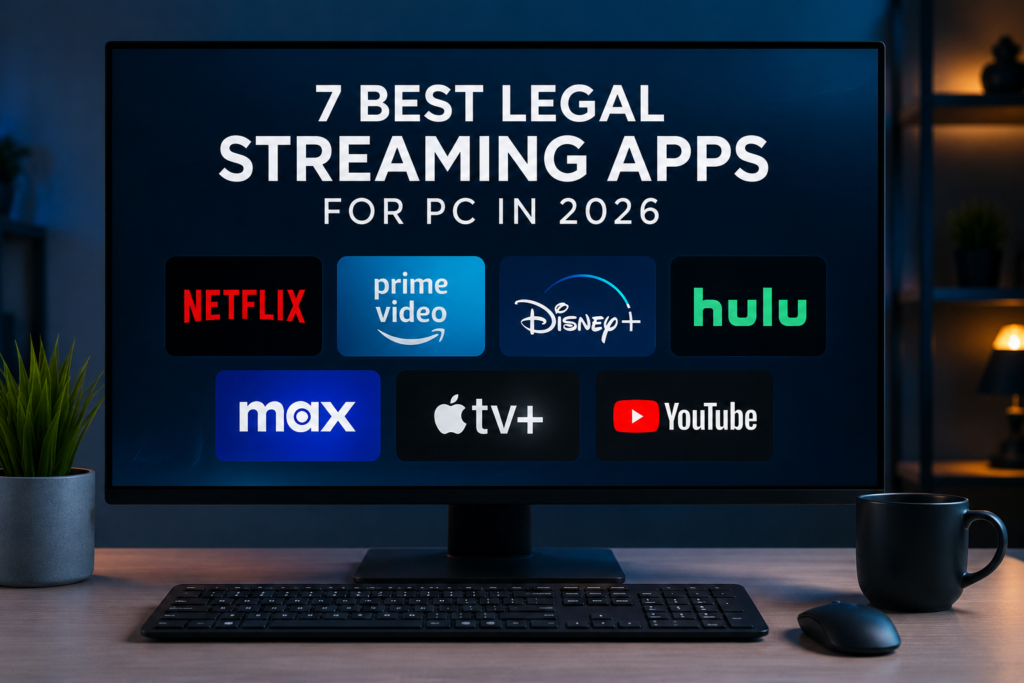
7 Best Legal Streaming Apps for PC in 2026
Compare trusted streaming services for Windows computers and laptops, including premium subscriptions, free platforms, live channels, and offline viewing options.
View PC Streaming AppsWatching movies and TV shows on a computer remains a convenient choice for viewers who prefer a larger screen, headphones, keyboard controls, or the flexibility of switching between entertainment and other tasks.
The best legal streaming apps for PC can be accessed through official Windows applications or supported web browsers. Some services provide offline downloads, while others focus on free advertising-supported entertainment, live channels, rentals, or premium original productions.
This StreamzyHub guide compares seven legal streaming services for PC in 2026. It explains their main features, payment models, offline options, and possible limitations so that users can choose a suitable platform.
Prefer watching on a phone or tablet? Explore our best legal streaming apps for Android guide for mobile-friendly streaming options.
PC Streaming Guide Information
| Guide Detail | Information |
|---|---|
| Main Topic | Legal streaming apps for PC |
| Devices | Windows computers and laptops |
| Content | Movies, TV shows, creator videos, and live channels |
| Access Methods | Official Windows apps and supported web browsers |
| Service Types | Free, subscription-based, rentals, and purchases |
| Internet Required | Yes, except when an official app supports downloads |
| Region Restrictions | May apply according to licensing agreements |
| Last Updated | July 2026 |
What Is a Legal PC Streaming Service?
A legal PC streaming service gives users authorised access to movies, television programmes, live channels, or other video content through an official website or desktop application.
These platforms normally operate through subscriptions, advertising, rentals, individual purchases, or a combination of different payment models. Legal services obtain permission to distribute the content available through their platforms.
Using official streaming services also provides safer account access, regular updates, more stable playback, and official support. Users should avoid modified desktop programs and unknown websites promising premium entertainment without permission.
Best Legal Streaming Apps for PC
The best legal streaming apps for PC include premium platforms, free advertising-supported services, and flexible websites offering live and on-demand entertainment. The right choice depends on the viewer’s budget, country, preferred content, and need for offline downloads.
1. Netflix
Netflix is a premium streaming platform offering movies, television series, documentaries, animation, and original productions across many genres.
PC users can watch through a supported browser or use the official Netflix app available for compatible Windows computers. The service includes profiles, recommendations, subtitles, parental controls, and accessibility options.
Netflix is particularly suitable for viewers who want a large international catalogue and frequent exclusive releases. Its plans and content library may differ according to the viewer’s country.
Check the official Netflix Windows guide for current compatibility information.
Best for: Original series and international entertainment
Service type: Paid subscription
PC access: Windows app and supported browsers
Offline viewing: Not generally available on Windows
Main limitation: Plans and catalogues vary by country
2. Prime Video
Prime Video combines subscription entertainment with rentals and purchases in supported markets. Its catalogue includes films, television series, documentaries, and Amazon Originals.
PC users can watch through the Prime Video website or install the official Windows application. The Windows app supports offline downloads for eligible titles on compatible Windows 10 and Windows 11 devices.
This platform is a useful choice for viewers who already use Amazon services or want the flexibility to rent individual films without depending entirely on a subscription catalogue.
See the official Prime Video download guide for supported devices.
Best for: Amazon Originals, rentals, and purchases
Service type: Subscription with optional rentals
PC access: Windows app and web browser
Offline viewing: Available for eligible titles in the Windows app
Main limitation: Some titles require an extra payment
3. Disney+
Disney+ is designed for viewers interested in Disney, Pixar, Marvel, Star Wars, National Geographic, and other collections available in their region.
The service supports Windows computers through compatible browsers and supported Windows devices. It includes individual profiles, parental controls, watchlists, subtitles, and multiple audio options where available.
Disney+ is a strong option for families and fans of major entertainment franchises, although its catalogue can be less varied outside its main brands.
Review the official Disney+ browser requirements before watching on a PC.
Best for: Families and major entertainment franchises
Service type: Paid subscription
PC access: Supported Windows devices and browsers
Offline viewing: Primarily available on supported mobile devices
Main limitation: Content and plans vary by region
4. YouTube
YouTube offers creator videos, educational content, music, official trailers, live broadcasts, and selected film rentals or purchases.
The platform works directly through a desktop browser and is one of the easiest services to access on a Windows computer. Users can search for videos, manage subscriptions, create playlists, and watch live streams.
Free viewing normally includes advertisements. YouTube Premium adds extra features in supported countries, although available benefits can vary by region.
Best for: Free videos, education, creators, and live streams
Service type: Free with optional paid features
PC access: Web browser
Offline viewing: Limited on desktop
Main limitation: Free viewing includes advertisements
5. Tubi
Tubi is a legal streaming service offering free movies, television programmes, and selected live content through advertising.
PC users can access Tubi through its official website using a supported browser. Tubi officially supports current versions of Chrome, Safari, Firefox, and Edge.
It is useful for viewers who want free entertainment without a monthly subscription. However, the platform is not available in every country, and its catalogue changes according to regional licensing.
View the official Tubi browser information for compatibility details.
Best for: Free movies and television programmes
Service type: Free with advertisements
PC access: Supported web browsers
Offline viewing: Not a main PC feature
Main limitation: Limited regional availability
6. Pluto TV
Pluto TV combines free live channels with an on-demand collection of movies and television programmes.
Its live channel interface is useful for viewers who prefer selecting a channel and watching immediately instead of searching for one specific title.
PC users can access Pluto TV through its official website in supported countries. The channel lineup and on-demand catalogue vary according to regional availability.
Best for: Free live television channels
Service type: Free with advertisements
PC access: Web browser
Offline viewing: Not available
Main limitation: Channels vary by country
7. Plex
Plex offers free advertising-supported films, television programmes, and live channels. It also provides tools for organising and streaming a personal media collection.
PC users can access Plex through a web browser or compatible desktop tools. Its free streaming service can be used without paying for a traditional subscription.
Plex is particularly useful for viewers who want free entertainment and personal media organisation in one platform. Its additional tools can make the interface more complex than a basic streaming website.
Learn more through the official Plex free-versus-paid guide .
Best for: Free entertainment and personal media
Service type: Free with optional premium features
PC access: Browser and supported desktop tools
Offline viewing: Feature-dependent
Main limitation: More complex interface
PC Streaming Apps Comparison
| Service | Free Option | Subscription | PC Downloads | Best For |
|---|---|---|---|---|
| Netflix | No | Yes | No | Original series |
| Prime Video | Limited | Yes | Yes, eligible titles | Movies and rentals |
| Disney+ | No | Yes | Limited on PC | Family entertainment |
| YouTube | Yes | Optional | Limited on PC | Creators and education |
| Tubi | Yes | No | No | Free movies and shows |
| Pluto TV | Yes | No | No | Free live channels |
| Plex | Yes | Optional | Feature-dependent | Free TV and personal media |
Features to Look For in a PC Streaming Service
Smooth Browser Performance
A reliable streaming platform should load videos quickly and remain stable in a supported browser without frequent interruptions.
Windows App Availability
An official Windows app may provide easier account access, improved playback controls, and additional features not offered through a browser.
Offline Downloads
Downloads are useful when travelling or using an unreliable internet connection. Prime Video supports downloads for eligible titles through its Windows application.
Picture Quality
Check whether the service supports HD or higher resolutions on your chosen browser, monitor, internet connection, and subscription plan.
Subtitle and Audio Options
Subtitles, closed captions, audio descriptions, and multiple language tracks can make a service more accessible and useful.
Clear Pricing
Review whether the platform requires a subscription, includes advertisements, or charges separately for rentals, purchases, and premium channels.
Official Security Updates
Use official websites, trusted browsers, and applications from the Microsoft Store to reduce the risk of installing unsafe software.
How to Start Streaming on PC
1. Choose a Legal Streaming Service
Decide whether you prefer premium originals, free movies, creator videos, live channels, rentals, or offline downloads.
2. Check the System Requirements
Confirm that your Windows version, browser, screen, and internet connection meet the platform’s current requirements.
3. Use the Official Website or Store
Open the service’s official website or install its official application through the Microsoft Store when available.
4. Create or Access Your Account
Sign in with an existing account or register for a free or paid plan, depending on the selected service.
5. Review Playback Settings
Select your preferred picture quality, subtitle language, audio track, autoplay setting, and parental controls.
6. Connect Headphones or a Larger Display
Headphones can improve private listening, while an external monitor or television may provide a larger viewing experience.
7. Start Watching
Search for a title, open a live channel, or add programmes to a watchlist for later viewing.
Pros and Cons of Streaming on PC
| Pros | Cons |
|---|---|
| Large screen compared with most phones | Some platforms limit offline downloads on PC |
| Easy access through modern browsers | Streaming quality depends on the browser and internet speed |
| Official Windows apps are available for some services | Premium services require recurring payments |
| Free advertising-supported platforms are available | Free platforms normally include advertisements |
| Keyboard controls make navigation easier | Catalogues differ according to the user’s country |
| Computers can connect to monitors and televisions | Several subscriptions can become expensive |
Frequently Asked Questions
What Are the Best Legal Streaming Apps for PC?
Netflix, Prime Video, Disney+, YouTube, Tubi, Pluto TV, and Plex are useful legal choices. The best service depends on the viewer’s region, budget, and preferred entertainment.
Can I Watch Streaming Services Through a Browser?
Yes. Many platforms work through current versions of Chrome, Edge, Firefox, Safari, or other officially supported browsers.
Can I Download Movies on a Windows PC?
Prime Video supports downloads for eligible titles through its compatible Windows app. Other services may limit PC downloads or offer them only on mobile devices.
Are Free PC Streaming Services Legal?
Yes. Tubi, Pluto TV, Plex, and YouTube offer legal free content supported by advertising in supported regions.
Should I Install a Streaming App or Use the Website?
A browser is convenient and requires no additional installation. An official Windows app may provide extra controls or offline features, depending on the platform.
Which PC Streaming Service Is Best for Families?
Disney+ is strongly focused on family entertainment. Netflix and Prime Video also provide profiles, parental controls, and children’s content.
Which Service Is Best for Free Live Channels?
Pluto TV specialises in free live channels, while Plex also offers free live television in supported markets.
Can I Connect My PC to a Television?
Many computers can connect to a compatible television through HDMI, wireless display tools, or supported casting features.
Why Does the Streaming Catalogue Change by Country?
Regional licensing agreements determine which films, series, channels, and subscription options each platform can provide.
Where Should I Download PC Streaming Apps?
Use the Microsoft Store or a download page operated by the official streaming platform. Avoid unofficial or modified desktop applications.
Final Words
The best legal streaming apps for PC in 2026 include premium services, free advertising-supported platforms, live channels, creator videos, and rental options.
Netflix, Prime Video, and Disney+ are suitable for viewers who want premium catalogues and exclusive productions. Tubi, Pluto TV, Plex, and YouTube provide useful free alternatives in supported countries.
Before choosing a platform, compare browser compatibility, Windows app availability, regional catalogues, advertisements, offline support, and total subscription cost.
Prefer watching on a phone or tablet? Read our guide to the best legal streaming apps for Android . StreamzyHub will also provide dedicated guides for iOS and Fire TV.